
“Just buy the most powerful computers on the shelf. If it costs more, it must be better for the office.”
Before you buy
Most Dubai offices overspend, underspec, or both
Choosing computers for an office in the UAE is not really a hardware question. It is a question about the work your team actually does, the software they need to run, and how you plan to keep the machines secure for the next four or five years. The problem is that half of what people believe about office computers in Dubai is folklore. Let us break the five most expensive myths, one at a time.
Myth 1: More powerful is always better
A sales assistant will happily sell your finance team a workstation built for 3D rendering. It looks impressive on the quote and terrible on the electricity bill. The truth is that a receptionist, an accountant and a video editor need three completely different machines, and paying for a Xeon-class tower when someone opens Excel and Outlook all day is money set on fire.
Start with the task list. Group your staff by workload: light office work (email, browser, documents), medium (accounting suites, CRMs, design tools like Canva or basic Photoshop), and heavy (video editing, CAD, data analysis, development). Then match the machine to the group, not to the price tag.
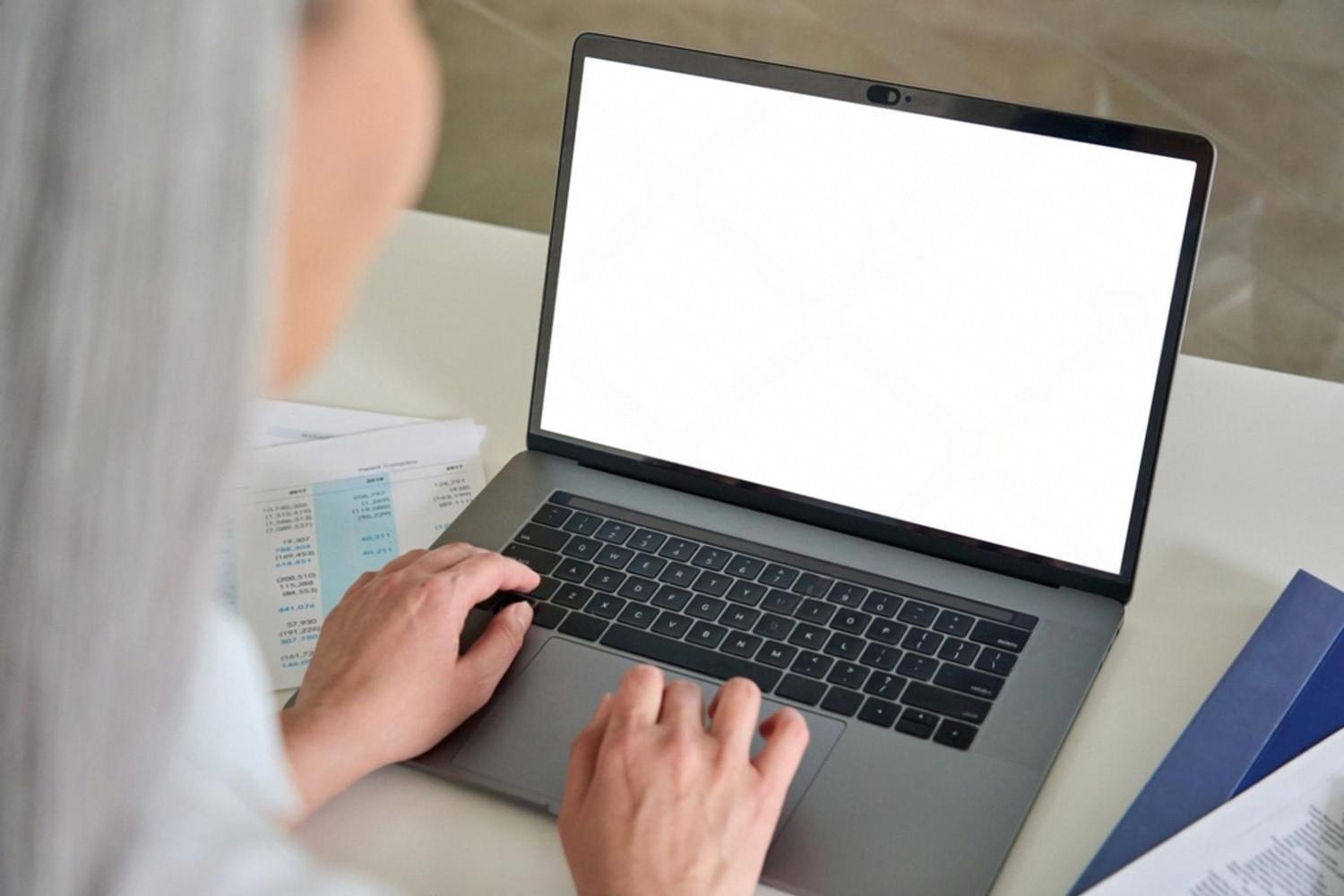
Reality: Match the machine to the job, not the brochure
Here is a rough guide that works for the majority of offices in Dubai and the wider UAE:
- Light usersIntel Core i3 or i5 (12th gen or newer), 8 to 16 GB RAM, 256 GB SSD. Anything more is wasted.
- Medium usersCore i5 or Ryzen 5, 16 GB RAM, 512 GB SSD. Enough for accounting software, ERP clients and a dozen browser tabs.
- Heavy usersCore i7 or i9, 32 GB RAM or more, a dedicated GPU, and a second monitor. This is where you actually need power.
Buy for the workload you have, plus a small buffer for the next two to three years. Do not buy for a workload you might have one day.
Myth 2: Laptops and tablets can replace desktops everywhere
Dubai loves mobility. Open-plan floors, hot desks, meetings across town, someone flying to Abu Dhabi on Tuesday. It is tempting to give everyone a slim laptop or an iPad and call it modern. For sales, marketing and leadership, that is often the right call.
But for finance, design, engineering and any role tied to a big monitor and a keyboard for eight hours a day, a desktop is still faster, cheaper for the same performance, easier to service, and lasts longer. A well-built desktop tower in a chilled Dubai office can run reliably for six or seven years. A laptop that lives in a bag on the Metro rarely gets past four.
Reality: Mix your fleet by role
Do a simple audit before you order. Ask each department two questions: how often does this person work outside the office, and how many screens do they use at their desk? The answers usually split cleanly.
- On the road weeklybusiness laptop with a docking station at the desk.
- Occasional client visitsdesktop plus a shared meeting-room laptop.
- Always at the deskdesktop with dual monitors.
- Field staff or receptiontablet or all-in-one, depending on inputs needed.
Myth 3: A no-name brand with the same specs is the same computer
Warranty coverage
HP, Dell, Lenovo, Apple, Asus and Acer all run proper service networks inside the UAE. A failed motherboard is replaced in days, not weeks.
Driver support
Established brands push firmware and security updates for years. Grey-market boxes stop getting patches almost immediately.
Resale value
When you refresh the fleet in year four, a Dell OptiPlex still has a market. A generic tower does not.
The spec sheet is only part of the product. What you actually buy from Dell, HP or Lenovo is the support behind it. In a market like Dubai, where downtime costs real money and the summer heat is unforgiving on cheap power supplies, that support is the whole point.
Reality: Stick to proven manufacturers with UAE service
For office fleets, the safe shortlist is small on purpose:
- HPEliteDesk and ProBook lines are workhorses for finance and admin teams.
- DellOptiPlex desktops and Latitude laptops are the default in most UAE corporate environments.
- LenovoThinkCentre and ThinkPad remain popular for anyone who values a good keyboard and long warranties.
- AppleMac mini and MacBook Air for creative and marketing teams that live in Adobe or Figma.
- Asus and Acersolid mid-range choices when budget is tight but you still want a real warranty.
Buy through an authorised UAE reseller. Ask specifically for the local warranty card, not an international one. It matters when something breaks.
Myth 4: Free or cracked software saves the company money
This is the myth that ends up in court. Using unlicensed Windows, pirated Microsoft 365, or a cracked copy of AutoCAD in a UAE-registered business is not a grey area. The UAE takes copyright enforcement seriously, and audits by rights holders do happen. Fines can dwarf the licensing cost you tried to avoid, and that is before you count the reputational damage.
Beyond the legal risk, pirated software is the single most common way ransomware and info-stealers enter a small business. That is not a scare tactic, it is a boring statistic.
Reality: License everything, and budget for it upfront
Add licensing to the per-seat cost when you plan the fleet. A realistic minimum for a standard office user in Dubai looks like this:
- Windows 11 Pro (usually bundled with the business PC)
- Microsoft 365 Business Standard, or Google Workspace
- An endpoint security suite, not just the free antivirus that shipped with the machine
- A backup solution, ideally cloud-based with local snapshots
If your business handles client data, contracts, financial records or anything covered by UAE data-protection rules, add a proper security policy on top. A good starting point is to talk to a specialist about information security in Dubai before you roll the machines out to staff, not after the first incident.
Myth 5: Once bought, computers look after themselves
The last myth is the quietest and the most expensive over time. Offices buy fifteen brand-new machines, hand them out, and never think about them again until something breaks. Three years later half the fleet is running out-of-date Windows builds, nobody knows the admin passwords, and the backup drive under the accountant’s desk has been unplugged since 2022.
Hardware is only the first cost. Real ownership means updates, backups, warranty tracking, and someone whose job it is to notice when a hard drive is starting to fail.
Reality: Plan the full lifecycle before you sign the PO
During procurement
- Standardise on one or two models per role
- Buy three-year on-site warranty as a minimum
- Order a few spare units for critical roles
After deployment
- Enable automatic OS and security updates
- Run backups to two locations, one off-site
- Review the fleet every year, replace by year four or five
Choose the computers your team actually needs, from a brand that will still answer the phone in year three, running software you legally own, with a plan for what happens after the boxes are unpacked. Do that and the hardware question stops being stressful, in Dubai or anywhere else.
Frequently asked questions
What is the minimum specification for a general office computer in Dubai in 2025?
For standard office work (email, Microsoft 365, browser, light accounting), aim for at least an Intel Core i5 (12th generation or newer) or an AMD Ryzen 5, with 16 GB of RAM and a 256 to 512 GB SSD. That configuration will comfortably last four to five years without feeling slow.
Avoid anything with a mechanical hard drive or only 4 GB of RAM, even if the price looks tempting. The productivity loss in the first year alone will cost more than the saving.
Should I buy laptops or desktops for my Dubai office?
Match the device to the role. Staff who travel, meet clients or move between locations benefit from a business laptop with a docking station at their desk. Staff who sit at the same desk every day and need multiple monitors are almost always better served by a desktop, which is cheaper for the same performance and easier to service.
Most offices end up with a mix: roughly 60 percent laptops and 40 percent desktops is a common split in Dubai, but the right ratio depends entirely on how your team actually works.
Which brands of office computers are most reliable in the UAE?
For business fleets, the safe and widely supported brands in the UAE are Dell (OptiPlex, Latitude), HP (EliteDesk, ProBook, EliteBook), Lenovo (ThinkCentre, ThinkPad), and Apple (Mac mini, MacBook Air, MacBook Pro). Asus and Acer are reasonable mid-range choices when budgets are tight.
Always buy through an authorised UAE reseller and confirm you are getting a local warranty, not an international one. It makes a real difference when you need on-site service.
Do I really need to buy licensed Windows and Microsoft 365 for every machine?
Yes. Running unlicensed operating systems or productivity software in a UAE-registered business exposes you to significant fines, potential criminal liability, and greatly increased malware risk. Enforcement of software licensing is active in the UAE, and audits do happen.
Budget for legitimate licences from day one. A Windows 11 Pro licence is usually bundled with business PCs, and Microsoft 365 Business or Google Workspace subscriptions are inexpensive compared to the cost of a single incident.
How often should a Dubai office replace its computers?
Plan on a four to five year replacement cycle for laptops and a five to seven year cycle for well-built business desktops. Machines used in dusty environments, warehouses, or by heavy users like designers and developers may need earlier refresh.
Rather than replacing everything at once, stagger purchases so roughly a quarter of the fleet refreshes each year. It smooths the budget and avoids the pain of retraining everyone on new hardware at the same time.
What about security and backups after the computers are set up?
Every office machine should have automatic operating system updates enabled, a paid endpoint security product (not just the free antivirus that came pre-installed), and full-disk encryption turned on. User accounts should be standard users, not administrators, and every device should have a strong login password or biometric sign-in.
For backups, follow the 3-2-1 rule: three copies of important data, on two different types of storage, with at least one copy off-site or in the cloud. Test the restore process at least twice a year. A backup you have never restored is not really a backup.

Soccer lover, tattoo addict, music blogger, vintage furniture lover and Guest speaker. Operating at the sweet spot between minimalism and purpose to give life to your brand.